
Whenever I begin working with a new case-load child, depending on their need and ability to access technology, one of the first questions I ask teachers is “does the child have access to an iPad?” Ultimately we want children to develop independence and ‘learning to learn’ skills. Training them up with iPads helps develop these. Using iPads can remove over-reliance on adult support. They are great for removing barriers and increasing inclusion. A lot of my suggestions will likely be known to you. However, they are not all known to children. Here are some iPad features that I have found most useful, and they aren’t paid for extras either! Bonus!
Voice Memos
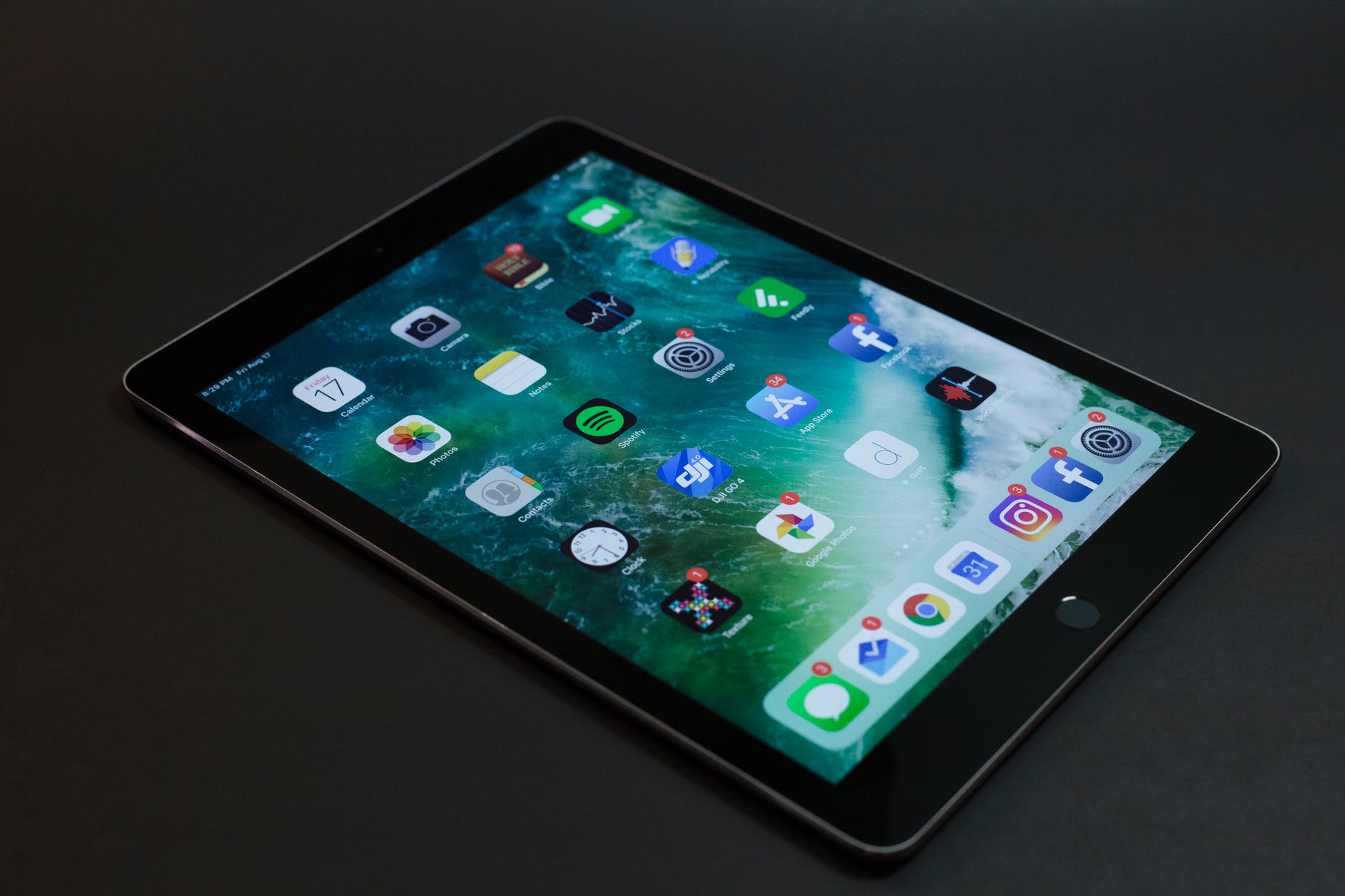
Recently, I have worked with a Year 5 boy who has found it difficult to remember what he wants to write after verbalising. He has the added difficulty of not being able to construct entire sentences verbally, due to a stammer. Often, he has forgotten how he has started a sentence. Step up Voice Memos!
Through a short process of exploration, he can now use this app effectively. With it, he can say his sentence, or each part at a time, which is then recorded. There’s a simple editing feature which means he can go back and trim any quiet or jumbled moments. The end product is a complete sentence, which he can then play and write, pause and rewind as necessary. This fits in nicely with the National Curriculum Year 2 writing composition requirement of considering what is going to be written by saying out loud what will be written and encapsulating this sentence by sentence.
Notes
Notes is super useful and is just sitting there on the iPad! I’ve shown Notes to many children now, to help them with their writing. Open up and get typing! Notes can also use the microphone option, so it becomes a dictation tool. Even better, with predictive text, as children type in the first few letters of a word, the needed word usually appears. This helps to reduce mental load. The written text can then be printed out, or copied by hand depending on purpose and lesson objective.
Siri

I love this one! Using a dictionary is a useful skill. However, I’ve witnessed so many children be told to use one but not shown how. It’s quicker to ask Siri how to spell a word. Instant! Less time is taken away from the lesson. Simply ask “Hey Siri, how do you spell x?”
You can ask Siri for synonyms, which is great for editing: “Hey Siri, give me a synonym for x.” Ask for definitions, useful in topic lessons, when reading and encountering new words: “Hey Siri, what does x mean?” This supports and develops vocabulary and comprehension.
Siri is also helpful for self-checking maths. Children can ask Siri lots of maths questions. Obviously, you’d want to give out the iPads at the checking stage, so children don’t go asking for answers without working them out first!
Siri can be used in topic lessons, for comprehension and research. Children can ask Siri for facts and information e.g. “Siri, how many people live in x?” “Siri, how many bones are in the human body?” “Siri, tell me about Henry VIII” and so on. The possibilities are endless!
Camera / Photos

Quite often, I find I’m working with children in a class, and they are expected to access information from the whiteboard or smart board. However, the process of taking that information, then turning attention to a workbook or worksheet can be just the time that information is lost. Barrier!
With the camera, I take a photo of the board, then place the iPad in front of the child. Bingo, the information is right there in front of them, the child can zoom in for easier reading, etc. You can also use a whiteboard pen on the screen to circle or highlight relevant parts, and it wipes off just fine – always funny to witness children gasp when I write on an iPad!
Other examples have been when children have to share a text, if one child has read ahead and needs to turn the page, but the other isn’t ready, take a photo of the relevant part.
Other uses
There’ll be many I’ve not thought of. Hopefully, though, I’ve demonstrated some immediate ways that iPads can start enhancing inclusion from the moment they’re accessed. They encourage independence and mean less adult support is necessary. If there was only one thing I could put in place for SEND children, it would be access to an iPad!
 That SEND Teacher